
Choosing a report type
This is the starting point for Report Builder. Pick a report type — the kind of data you want to work with — and you'll land on its list of saved presets.
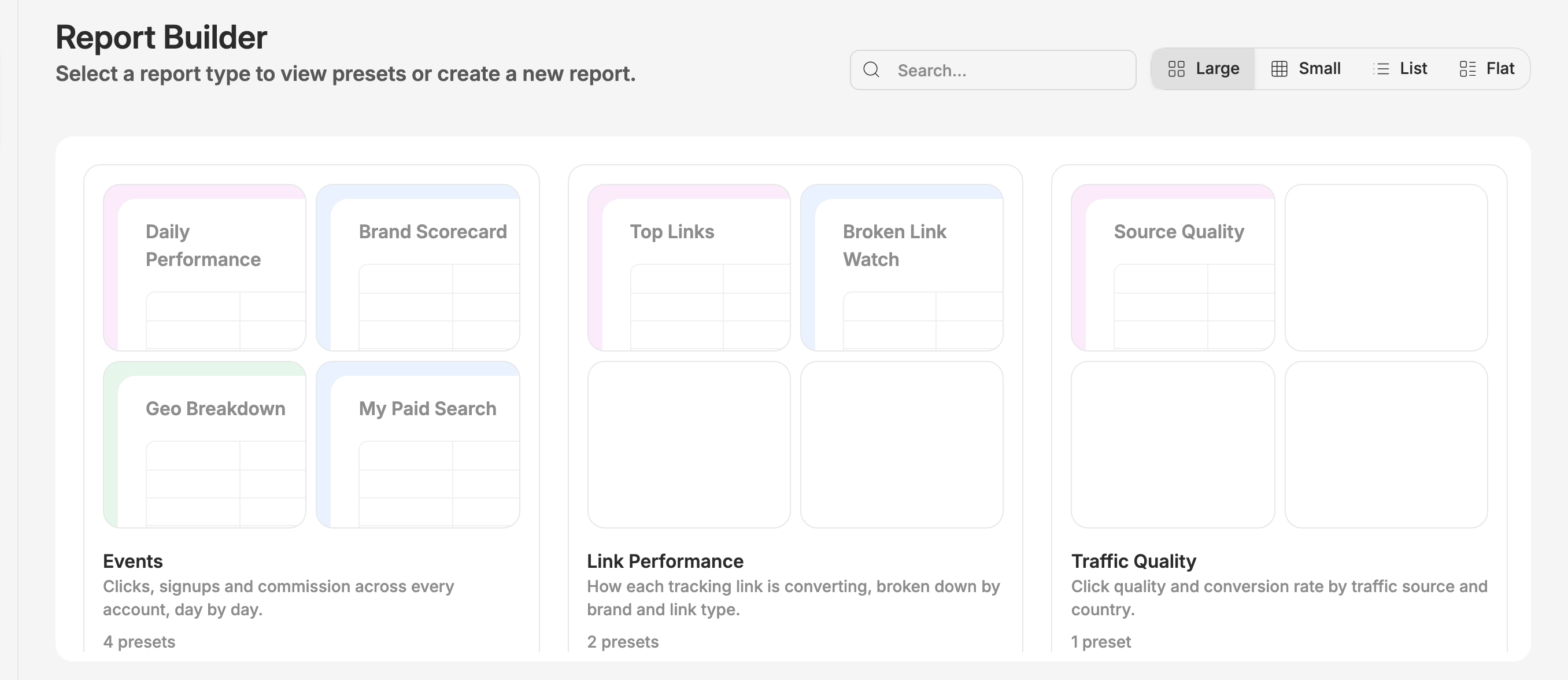
What a report type is
A report type is a body of data you can report on: events, link performance, traffic quality, and so on. Report types are granted to your account, so the list you see is the set you have access to — a colleague at another company won't see the same one.
Each card shows the report type's name, a short description of what's in it, a preview of the presets saved under it, and how many there are in total.
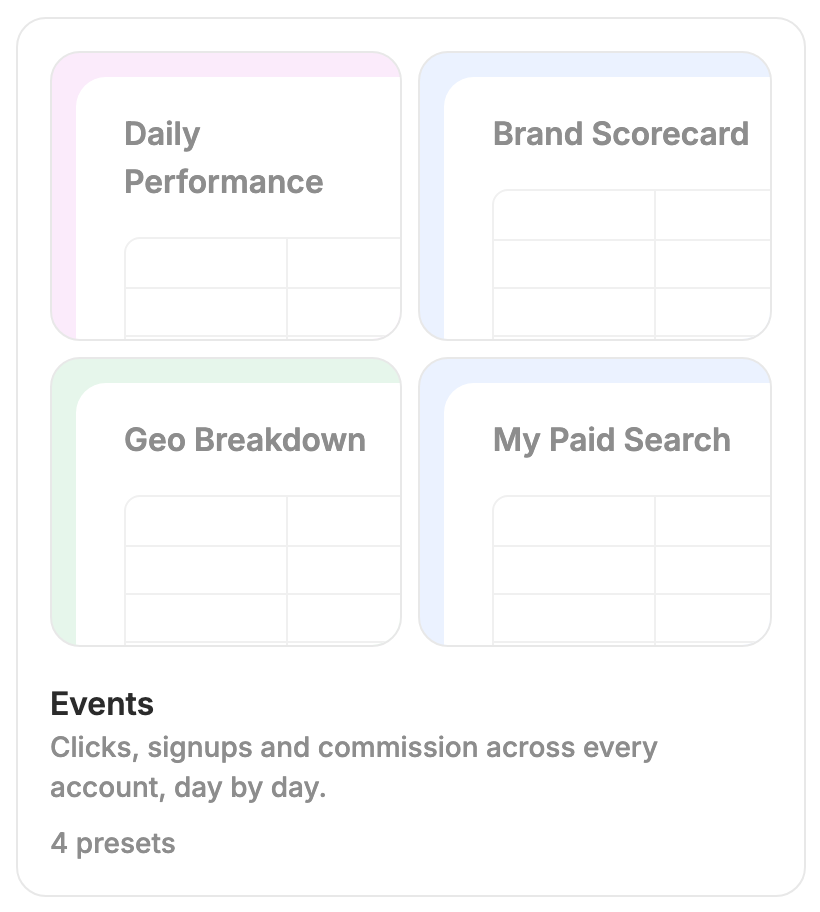
Click anywhere on a card to open that report type's presets.
Finding a report type
Two controls sit above the grid:
- Search matches on report type names and descriptions and on preset names. Searching "geo" will surface a report type called Geo and any report type holding a preset called "Geo Breakdown", so you can find a saved report without remembering which type it lives under.
- Large · Small · List · Flat changes how densely the grid is drawn. Flat is the useful one when you're hunting: it drops the card previews and lays out every preset of every report type at once, grouped under headings.
How Report Builder is structured
You move through three levels:
- Report types (this screen) — choose the kind of data to report on.
- Presets — browse saved setups for that type, or start a new one.
- The report — the actual table, where you adjust columns, filters and sorting, then save, share, or export.
A breadcrumb at the top tracks where you are, so you can always step back up.
For the concepts behind all three — presets, scopes, and what a saved report does and doesn't remember — see the Report Builder overview.
Next step
Pick a report type card to continue. You'll land on its presets list, where you can open an existing preset or start a fresh report from scratch.
When to contact support
Get in touch if a report type you expect to use isn't listed — access is granted per account, so a missing type usually means it hasn't been enabled for you rather than that something is broken.