
Auto-approve conversions
Every conversion your partners generate lands here, and its status decides whether it turns into money you owe. This is the screen you use to answer "why is…
Transcript
Every conversion your partners bring in waits for you to approve it. For a partner you trust, you can skip that, offer by offer. Auto-approve is available on offers assigned to one partner. Public offers always wait for review.
Open the offer's Settings, and turn on Auto-approve conversions.
From now on, this partner's conversions on this offer arrive already approved, and count towards their next payout. Conversions that were already waiting stay pending. Approve those yourself. Recalculating, which Routy offers after any change to an offer, never approves anything either. And a conversion the offer's own terms set aside, for example from a country the offer doesn't cover, is never approved automatically. Account admins can turn it on or off, and so can teammates with Networks permission. You can turn it off at any time. New conversions then wait for review again. Reviewing the conversions that do wait for you has a video of its own.
More video walkthroughs
See all videos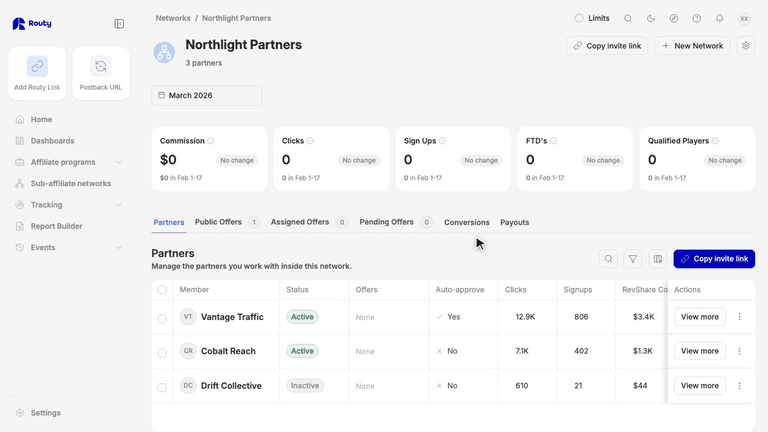 1:40Sub-affiliate NetworkInvite and approve partners
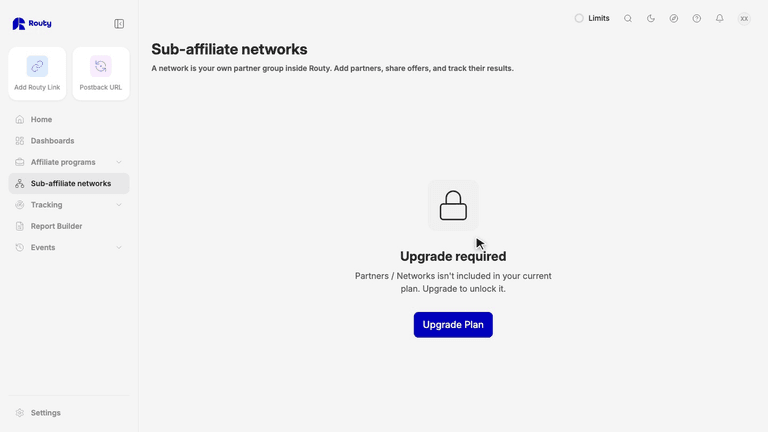 1:35Sub-affiliate NetworkCreate a sub-affiliate network
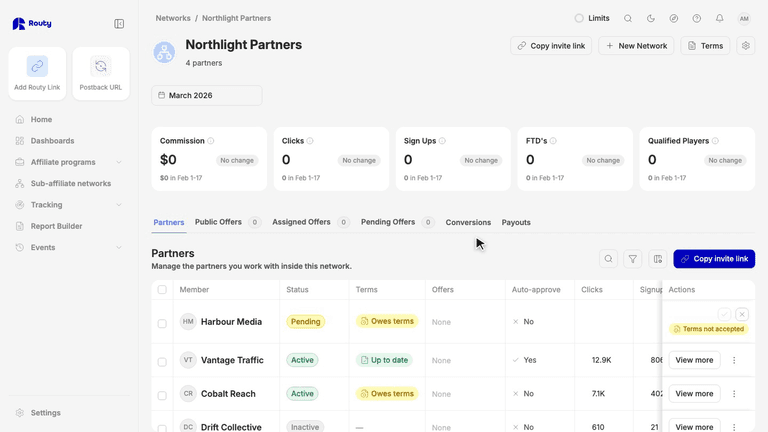 2:03Sub-affiliate NetworkPartner terms for your network
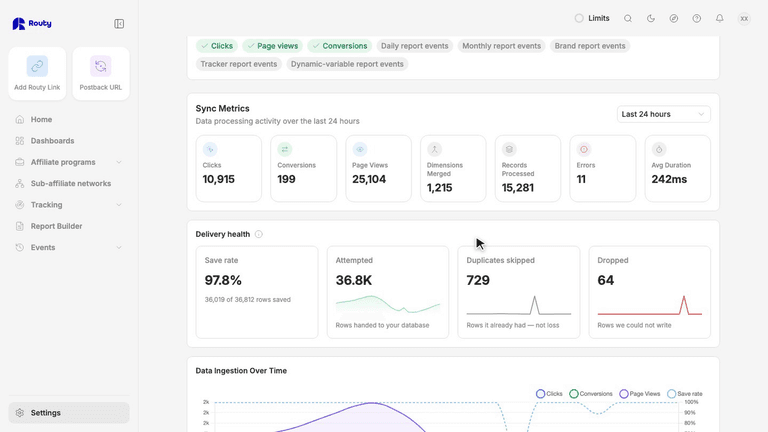 1:58Integrations & APIIs your database connector keeping up?
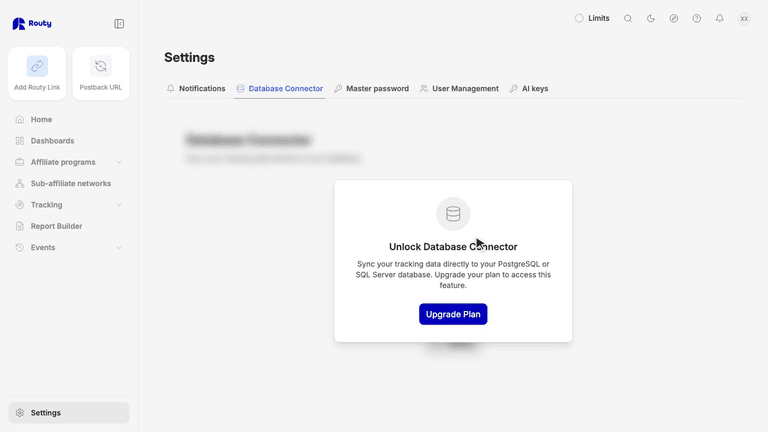 2:46Integrations & APISet up the database connector
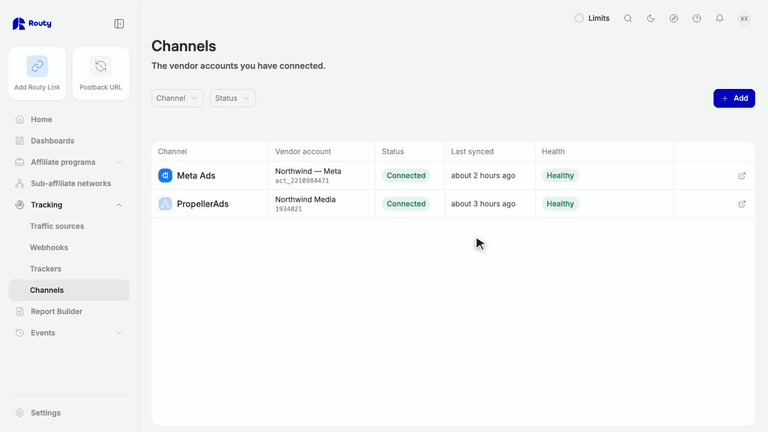 2:26ChannelsConnect Google Ads to Routy