Partner terms for your network
How a network operator publishes the terms partners accept to join, changes them, and sees who has accepted.
Chapters
Transcript
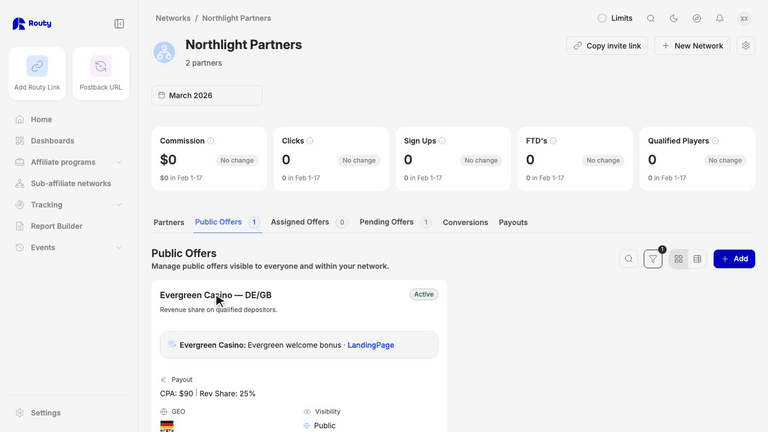
Your network can ask partners to accept its own terms before they join. These are your terms for the partnership, not Routy’s, and they never touch a partner’s own programs. Terms come with networks, so you need a plan that includes them. Account admins can publish terms, and so can teammates with permission to edit networks. Teammates who can only view networks can read the terms, but not change them. Terms sits at the top of the network, next to Settings. On a phone, it’s in the menu. It opens on the current version, with every earlier version a click away.
Published terms can’t be edited. Changing them publishes the next version. The form starts from the current text, and you can preview it as partners will see it. Turn on Require existing partners to accept this version when the change matters to them. Then set how many days they have, and what happens if they miss it: flag them, or suspend the partnership. Your first version always applies to existing partners. Leave this off for small fixes, and only new joiners accept.
When you publish, each partner’s account owner gets a notification and an email, with your deadline. Only the account owner can accept. Their teammates can read the terms but can’t accept for them.
Who has accepted shows on the Partners tab, in the Terms column. Up to date, owes terms, overdue, or suspended. Hover a badge to see what they accepted, and when. A join request from someone who hasn’t accepted can’t be approved yet. A suspended partner’s links keep working, but their conversions in your network aren’t credited until they accept. Accepting lifts the suspension straight away. Inviting partners to your network has a video of its own.