Map your account's report columns
Map the columns of an account's report: accept a suggestion, preview the draft, approve it, re-run past figures, undo a mistake, and who can make changes.
Chapters
Transcript
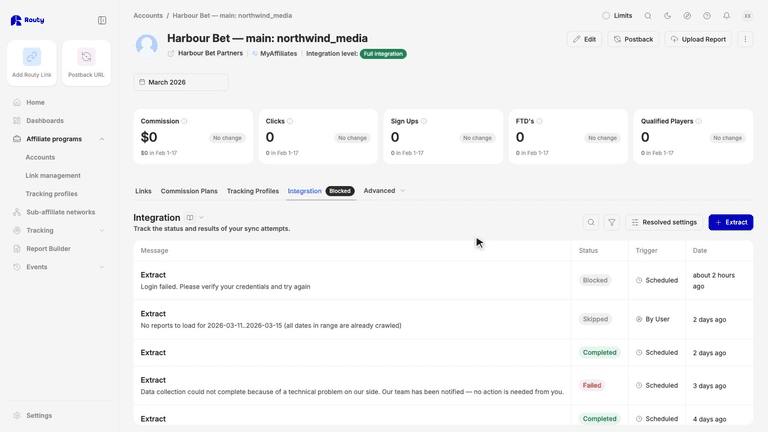
In this video, we'll map the columns of your account's report, so Routy counts them correctly. Open the account. Under Advanced, choose Column Mapping. Each row is a column from your program's report, named exactly as the report names it. Map to Field is what Routy reads it as. Source says whose mapping it is. Software or Program means it's Routy's, shared with other accounts. A highlighted row is a column Routy doesn't know yet, so its numbers aren't counted. Here, Routy recognises Registrations, and suggests Signups. Click it to accept. Any change you make is saved as a draft, and the row is now yours. A draft pauses the column. It counts nothing until you approve it, so don't leave one behind. The note at the top counts the columns that are paused. Preview shows your stored reports read through your mappings, drafts included. Nothing is collected and nothing is saved, so run it as often as you like. Signups now has numbers.
If it looks right, click Approve. The column counts from the next report Routy collects. Approving doesn't change the figures you already have. To recount them, click Re-run, and pick the report dates. It reads the reports Routy already collected, and fetches nothing new.
It runs in the background. Follow it on the Integration tab.
Say you change a column by mistake. Undo drops your change, and Commission goes back to Routy's Program mapping. It's permanent, so the confirmation tells you exactly what you'll get.
Changing, approving and re-running all change the account's data. Teammates who can only view accounts see View only. They can still read every mapping, and run Preview. To make changes, they need permission to change accounts. Ask an account admin. Date formats, formulas that add columns together, and ignoring a column are explained in the help panel on this screen.