What is a postback?
How a brand tells Routy that one of your visitors converted, and the one agreement between your link and your postback that makes it work.
Chapters
Transcript
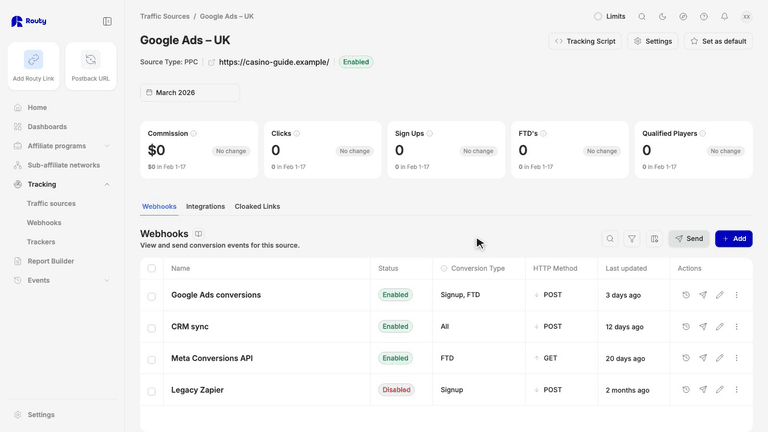
A postback is how a brand tells Routy that one of your visitors converted. In two minutes, you'll see how it works, and the one agreement that makes it work.
It starts with a click. A visitor clicks your Routy tracking link. Routy records the click, and gives it an ID.
Then Routy sends the visitor on to the brand. On the way, it writes the click ID into the brand's address, in a named slot. Here, the slot is called sub I D. The brand's platform reads that slot, and remembers the ID along with the visitor.
This is the part most first setups get wrong. Think of it as a handshake. The postback has to send the ID back from the same slot the link sent it in. Routy knows which slot your brand's platform uses, and builds your postback URL to read that same slot. So the URL Routy gives you already keeps the agreement. Your job is to keep it intact.
Days later, the visitor signs up, or makes a deposit. The brand's platform still has the ID it remembered from that slot.
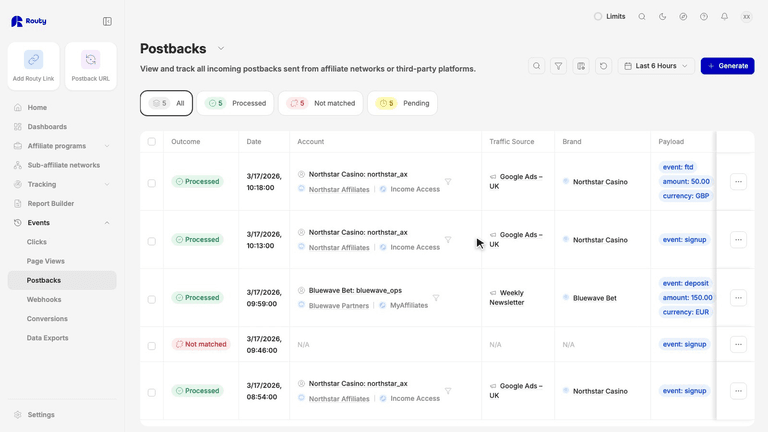
So it calls the postback URL you gave it, and fills in its placeholder with that ID. That call, from the brand back to Routy, is the postback.
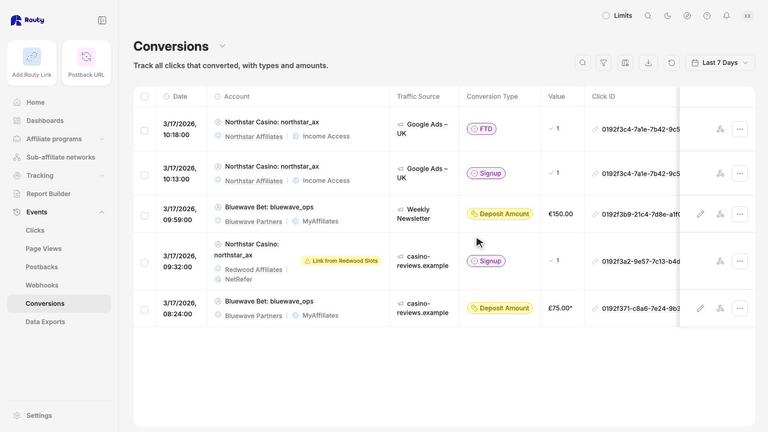
Routy looks up the ID, finds the click, and counts the conversion. It lands on the right account, the right link, and the right traffic source.
When a first postback doesn't work, it's almost always one of these. The postback reads a different slot, so the ID comes back empty. Or it uses a placeholder the brand doesn't fill in, so Routy gets the placeholder's name instead of an ID. Or a real ID was typed in by hand, so every conversion lands on that one click. And if the right ID comes back in the wrong parameter, Routy corrects it, and raises an issue so you can fix the setup.
So remember: one ID, out and back, in the same slot. Copy the URL Routy gives you, and keep its placeholder exactly as it is. The first time you set one up with a brand, ask their account manager to confirm the structure, and test it once. The next video shows how to do that in Routy.